Import your script
Your script can be a PDF or a Word document (.docx or .doc). Word files are turned into a PDF as they come in. You can also open a .promptbook file someone has sent you.
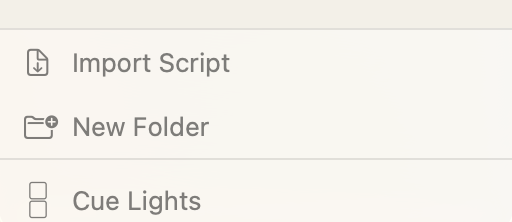
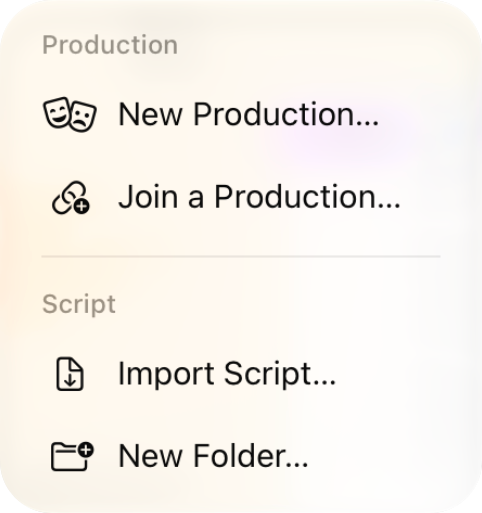
At the bottom of the left sidebar on Mac, click the Import Script button. On iPad, tap the + at the top of the sidebar. Select your PDF or Word document.
Promptbook reads the script as it imports and picks out the act and scene headings, which become page markers you can jump between.
Text script or score?
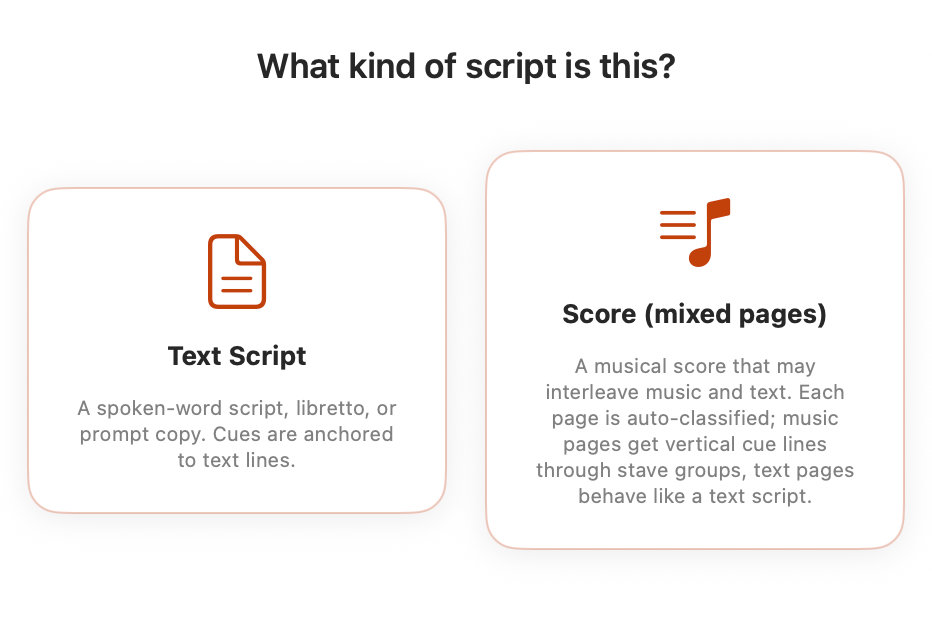
Choose whether it is a text script or a musical score. For scripts which are mixed, choose score. If you choose the wrong one don't worry: you can change what type each page is afterwards.
Note: Promptbook treats each page as either text or score, so make sure text and music aren't on the same page.
What every new script comes with
Scripts load with a cue list, a Markup layer, a Notes layer and a Blocking layer. On Pro you get LX, SFX and VFX cue lists to start, and you can add as many cue lists and notes layers as you like, with your own names.
- Cue lists hold your cues, one list per department.
- Notes is for typed notes and, on iPad, handwriting with Apple Pencil.
- Markup is for cuts, highlights and corrections to the text.
- Blocking is for stage diagrams of moves and positions.
Each has its own guide: Marking Cues, Notes & Markup and Blocking.
Finding your way around
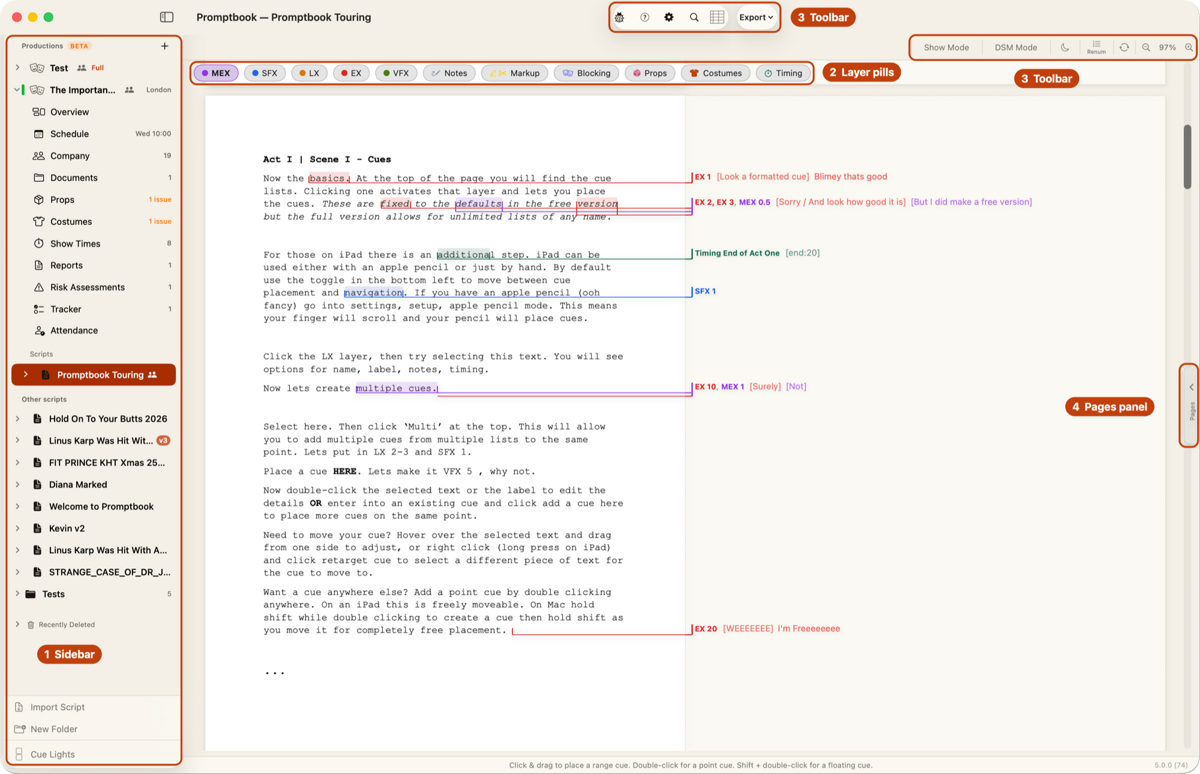
The window has four key areas:
- The left sidebar: your scripts. Click the arrow next to a script to see its cue lists and layers, and use the eye icons to show or hide them. See Cue Lists & Layers.
- The layer pills along the top of the page: choose what you're marking. See Marking Cues.
- The toolbar: Show Mode, DSM Mode, the Cue Sheet, Export, the moon for dark mode, and the gear for Script Settings (⌘, on a Mac).
- The pages panel on the right: every page, for jumping around and changing pages.