These are the key terms to recognise and understand.
Network Cables/Ethernet/Ethercon
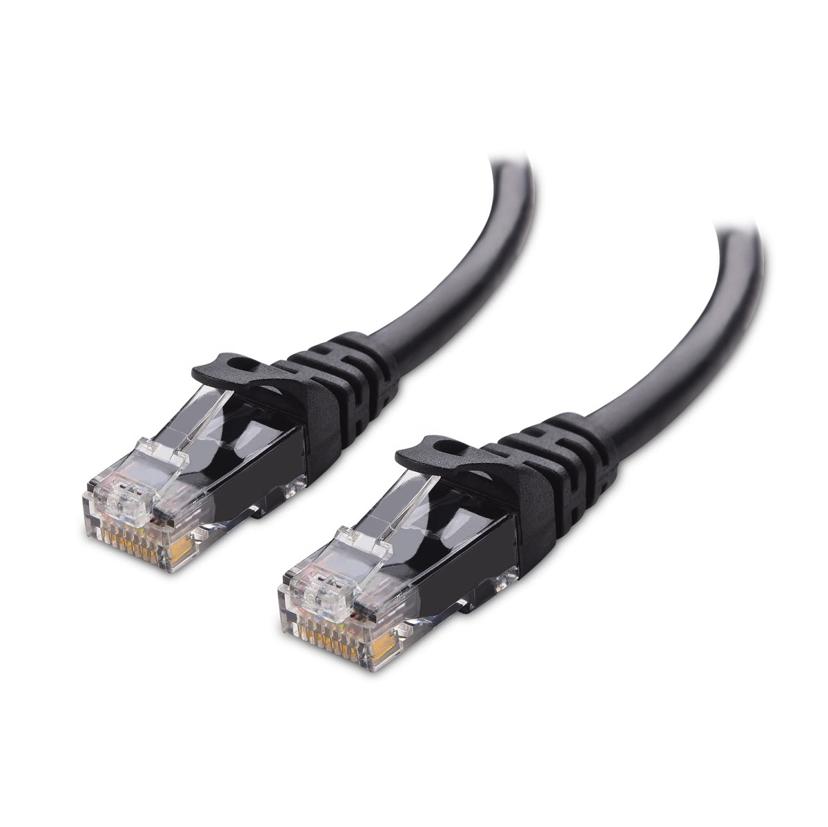
These are all terms for the same basic cable. It comes in several standards, which just tell you the maximum data transmission speed and maximum length of transmission.
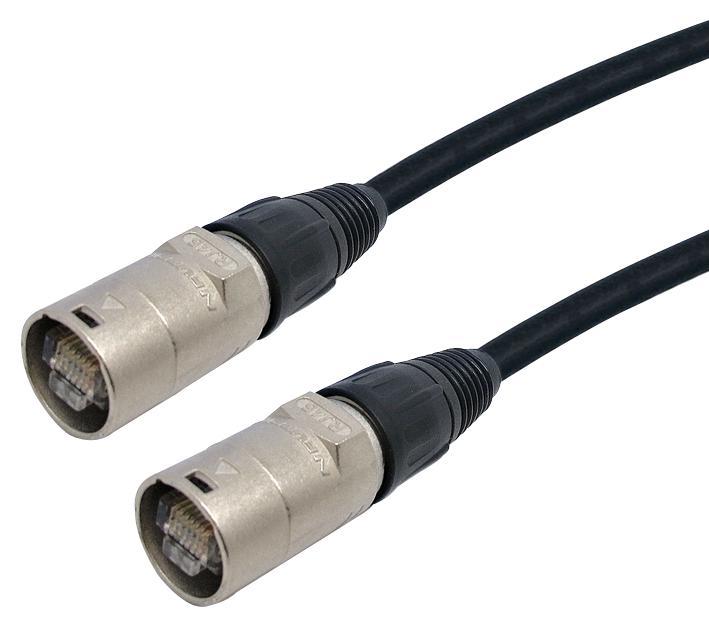
Ethercon is a reinforced network cable with an extra shell on the connector for durability.
These are denoted as CAT5/CAT5e/CAT6 and so on.
For most theatrical purposes CAT5 will be more than capable, however as we look more at specific use cases I will flag where it may be an issue.
Switches and routers
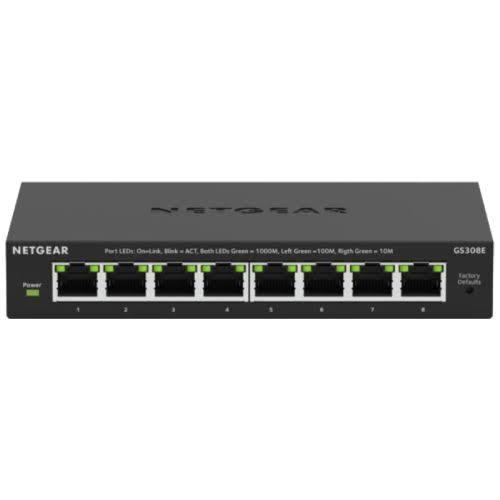
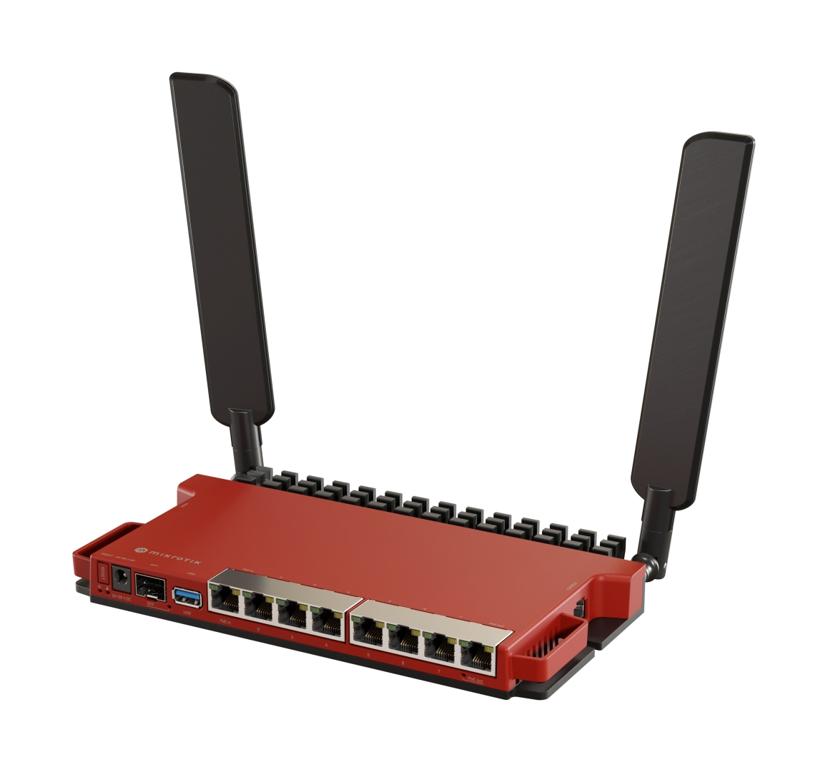
These are hubs through which your devices connect. They have multiple ports and allow all of the devices on a network to talk to each other. They can serve very similar purposes, the main difference being that switches do not have wifi built in.
Switches come in managed and unmanaged variants. Routers are all managed.
A managed switch or router hands out network addresses to devices connected to them and controls which devices can see each other.
An unmanaged switch needs each connected device to be configured correctly. We will go into this later.
As a general rule of thumb, any network switch is unmanaged unless specified (yes, including that TP-Link one you are looking at on Amazon).
For simple applications an old wifi router you have lying around is usually fine, but a basic one online is very inexpensive.
Addresses
Every device on a network has a numerical address of the format xxx.xxx.xxx.xxx.
This address should be unique within the local network it is connected to and is how each device knows which other device it is talking to.
There are 2 main ranges in theatre: 192.168.x.x and 10.0.x.x.
Subnets
Within a network you also have subnets. They are relatively complex for full networking but in theatre it is super simple.
Within theatre subnets are one of: 255.0.0.0, 255.255.0.0 or 255.255.255.0. For our purposes this just defines how similar the addresses need to be.
For 255.0.0.0 (subnet) only the first number of the network addresses need to be the same (192.x.x.x or 10.x.x.x), for 255.255.0.0 the first 2 must be the same (192.168.x.x or 10.0.x.x) and for 255.255.255.0 (192.168.1.x or 10.0.0.x).
These are just examples of the addresses, as long as the numbers match across the network they will be fine (e.g. for the final example both devices on 10.0.1.x would also be fine).
First number must match
First 2 numbers must match
First 3 numbers must match